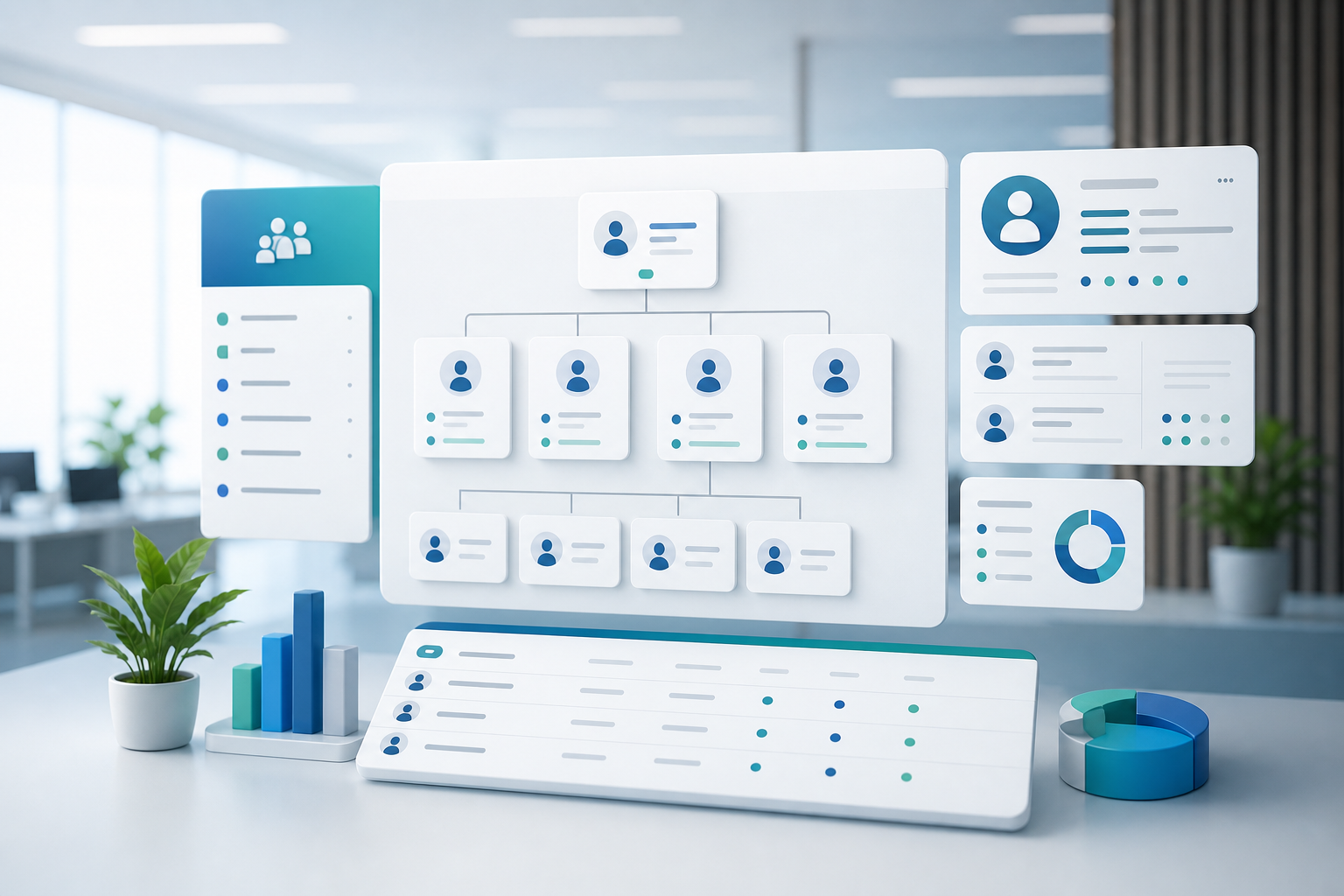
HR Core And Organization
Manage employee records, departments, positions, job grades, employment, and transfer information.
WEMS HRM uses employee data as the core and connects organization, attendance, payroll, talent, documents, centralized permission checks, and APIs.
Each module has a dedicated workspace and a user-facing workflow so people can work from the task they need to finish.
Manage employee records, departments, positions, job grades, employment, and transfer information.
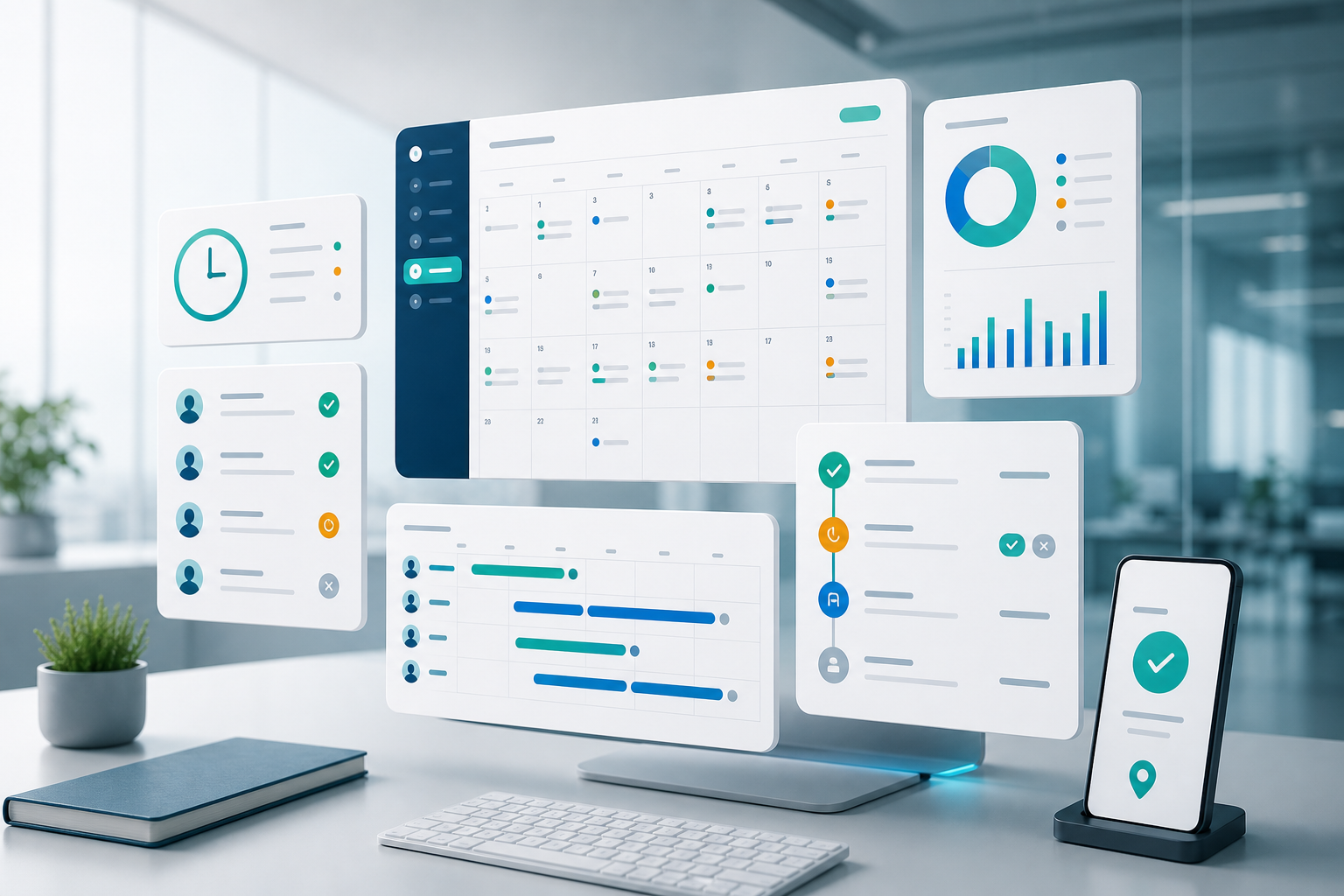
Support clocking, leave, overtime, holiday calendars, and manager approval flows.

Run payroll structures, payroll batches, compensation plans, benefits, and approvals.
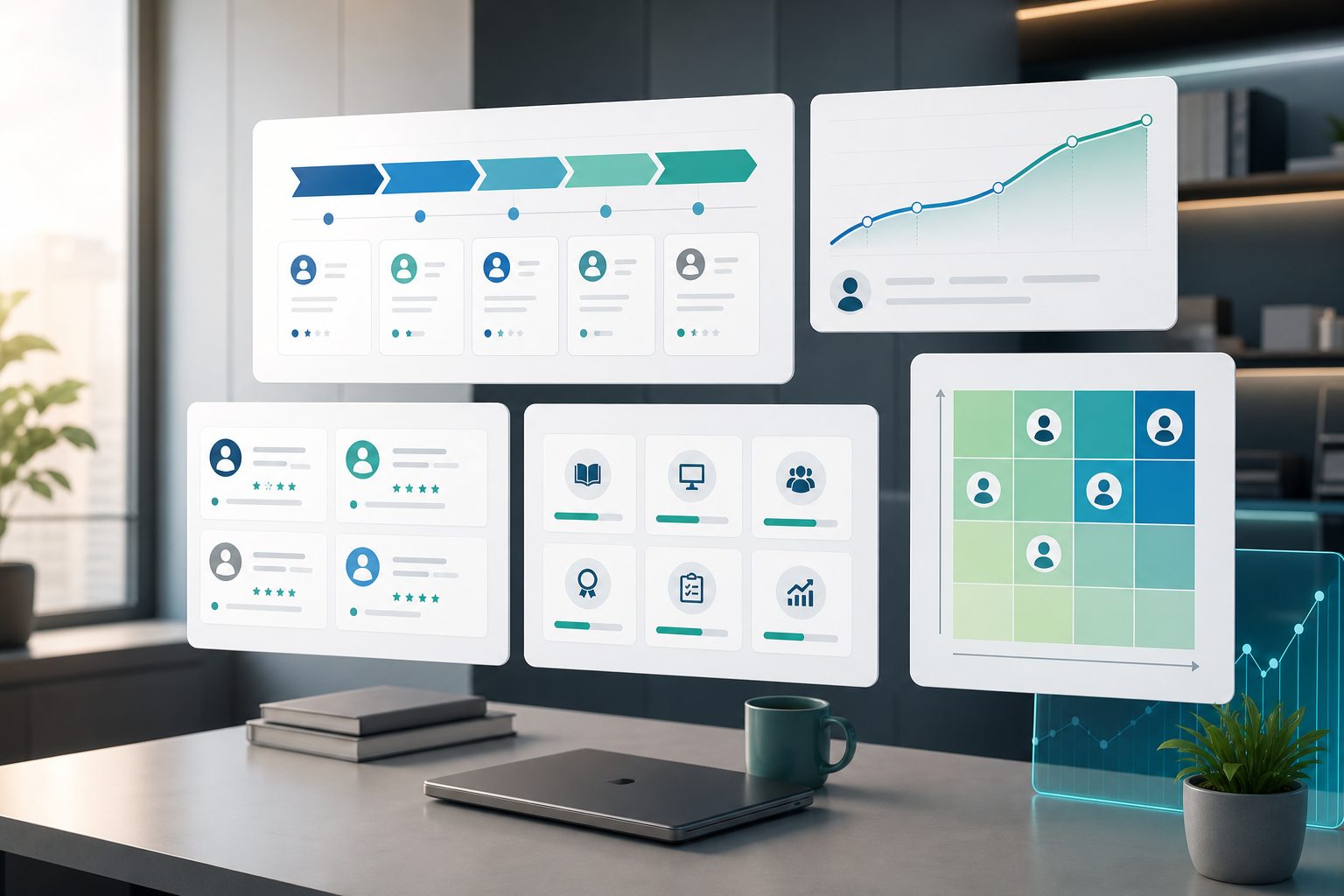
Connect recruiting, performance, training, and succession planning for better talent decisions.

Manage documents, contracts, disciplinary records, transfers, separation, and audit-related data.
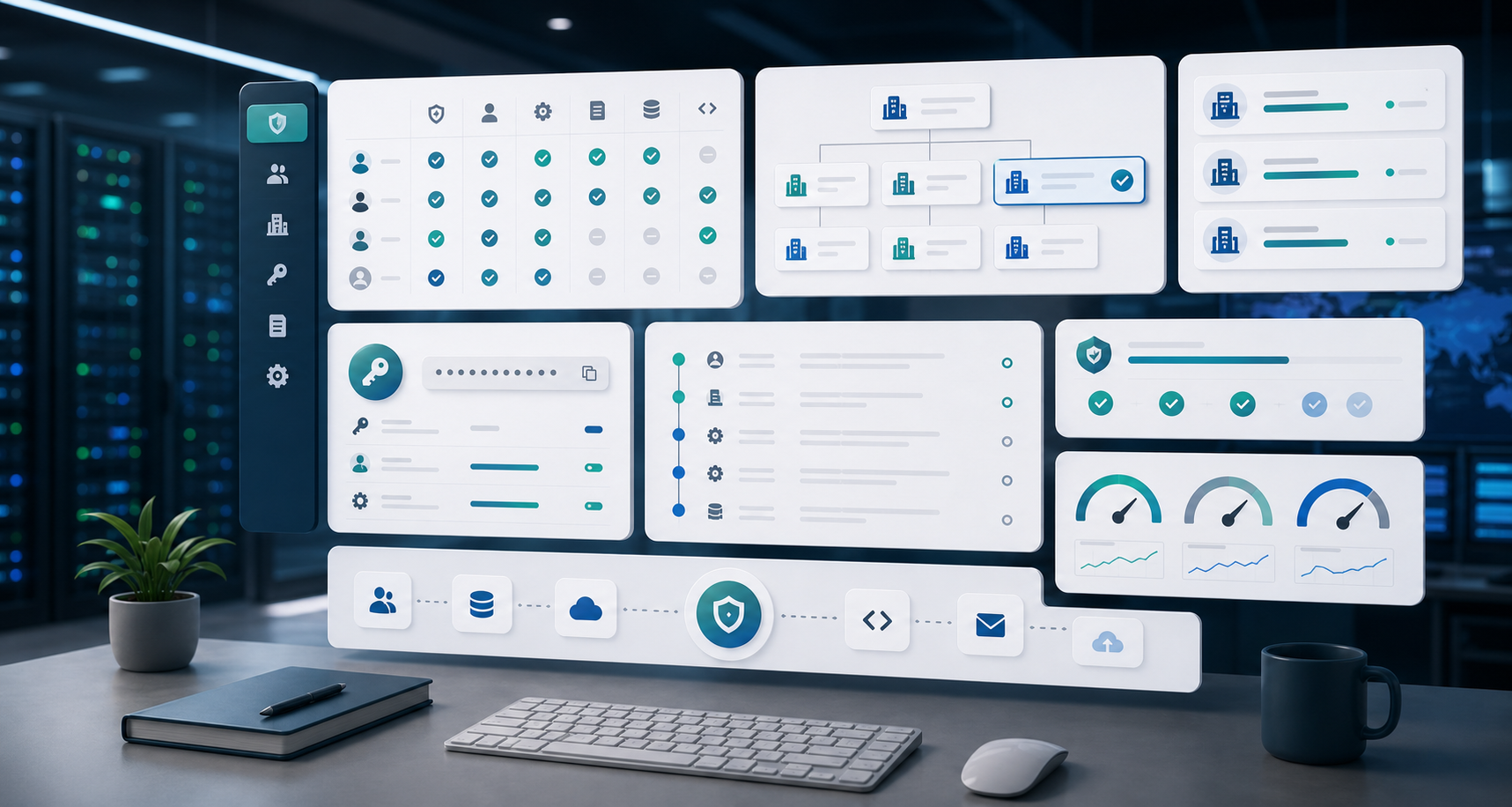
Centralized member API handles login and permissions; enterprise integrations use API Keys.
From sign-in to daily operations, the workflow keeps users focused on the job instead of system setup.
Users sign in through the member center; HRM receives identity and permissions through the centralized API.
Users only see the modules they are allowed to use.
Requests, approvals, data updates, and audit records stay in one flow.
IT teams use API Keys and Swagger to connect HRM to existing processes.